Introduction
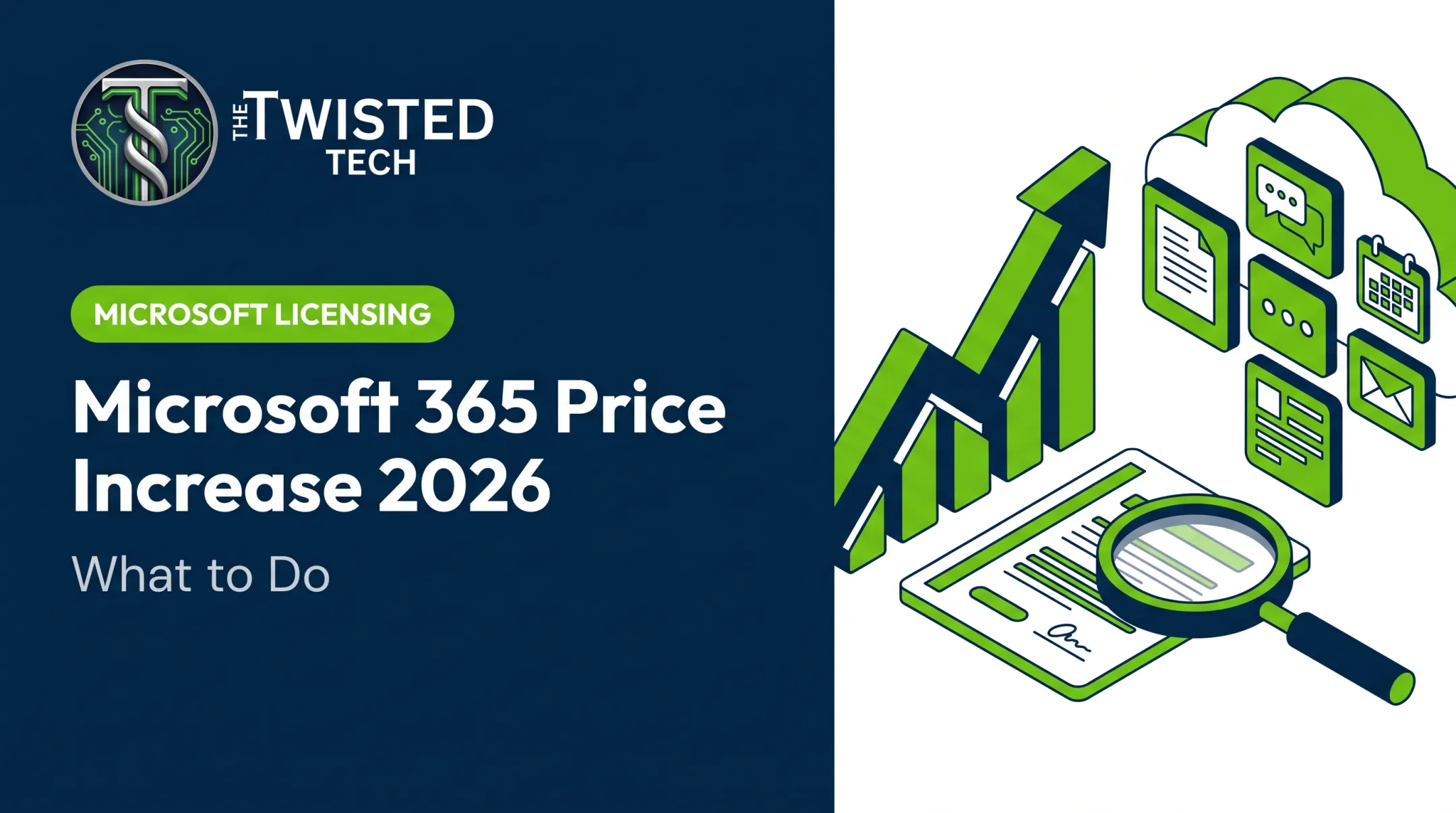
A 2026 Microsoft Enterprise Agreement renewal isn't a simple copy-paste of last term's deal. Microsoft's online-services pricing structure changed for EA and MPSA customers starting November 1, 2025, and that shift lands at your next renewal date, whenever that falls.
Many procurement and IT teams assume renewal means locking in the same products at the same terms. That assumption can be costly. Between updated pricing rules, shifting renewal eligibility, and a real choice between EA, CSP, and MCA-E, this renewal cycle demands more scrutiny than the last one.
This article is for technology, procurement, finance, and business leaders who need to understand what's changed, what it might cost, and how to prepare.
Microsoft licensing policy, pricing, and eligibility vary by agreement type, customer segment, product, and region. Verify every time-sensitive detail against current Microsoft documentation before you act on it.
Key Takeaways
- The 2026 changes vary by agreement type, renewal date, product mix, and licensing volume.
- Per-license price alone misses total cost: flexibility, unused licenses, support, and contractual protections all matter.
- CSP and MCA-E can work when an EA no longer fits, but only after a documented comparison.
- Start your review early; usage audits and scenario modeling take real time before expiration.
What Changed in Microsoft Enterprise Agreement Renewals for 2026?
A Microsoft Enterprise Agreement (EA) is a commercial volume-licensing contract for organizations with at least 500 users or devices. It runs on a three-year term, requires organization-wide product commitments, and includes an annual true-up for added users, devices, or services.
Most EAs also carry Software Assurance (SA), which provides rights like new-version upgrades.
The Pricing Consistency Change
Here's the actual policy shift: Microsoft announced that starting November 1, 2025, online-services pricing across EA and MPSA price levels A through D moves to a single published starting price.
According to Microsoft's official announcement, this takes effect at your next renewal or when you purchase a new online service not already on your Customer Price Sheet. It doesn't reprice existing services mid-term.
Practically, this means:
- Volume-tier discounts are going away as a programmatic feature, not necessarily as a negotiated option
- The change applies to online services only, including Microsoft 365, Dynamics 365, Windows 365, and various security and identity products
- On-premises software pricing is unaffected
- U.S. Government and worldwide Education price lists remain excluded under current guidance
Discounts vs. Negotiated Deals
Don't confuse the end of automatic tier discounts with the end of all negotiation. Analyst firm Directions on Microsoft notes that removing automatic EA online-service volume discounts of roughly 6% to 12% aligns level B-D list prices to level A pricing.

Larger customers may still secure individually negotiated terms. That's different from assuming your old discount tier still applies.
Eligibility Isn't a Fixed Number for Everyone
Microsoft's EA Program Guide publishes a 500 users or devices minimum for the commercial EA, with a three-year term. Server and Cloud Enrollment has a separate minimum.
Published criteria and actual sales-channel decisions aren't always identical. Renewal eligibility can vary by customer size, product mix, geography, and purchasing route. Don't assume a single threshold guarantees your renewal path.
The practical consequence is that your organization may need to:
- Evaluate a different purchasing channel
- Reassign support ownership
- Re-create subscription quantities under a new structure
- Confirm which benefits carry forward from your existing EA
Who Is Affected and What Are the Alternatives?
If any of these describe your organization, treat this renewal as a decision point—not a routine rollover:
- Your EA expiration is coming up in the next 6-12 months
- You run Microsoft 365 or Azure online services at meaningful scale
- Your license count has grown or shrunk significantly since your last renewal
- You're carrying unused or underutilized licenses
- Your workforce model has changed (remote, hybrid, contractor mix)
- You're seeing pricing variability or gaps in support quality
EA, CSP, and MCA-E Compared
| Factor | EA | CSP | MCA-E |
|---|---|---|---|
| Contract structure | Three-year enrollment, annual true-up | Microsoft Customer Agreement, partner-managed | Direct Microsoft purchase, no fixed minimum |
| Support relationship | Account team or partner coordinates | Partner is your primary contact | Self-managed, direct with Microsoft |
| Quantity flexibility | Annual increases/decreases via true-up | Often locked for term after a 7-day window | Subscription-specific terms apply |
| On-premises scope | Full SA-backed rights | Perpetual licenses sellable; SA typically needs another arrangement | Primarily cloud-focused |
Sources: Microsoft EA Program Guide; Microsoft Partner Center subscription documentation; Microsoft Partner Blog.
When an EA still makes sense: You need multi-year cost predictability, broad enterprise product coverage, or Software Assurance rights already baked into your environment.
When CSP is worth considering: You want partner-led support, more flexible subscription terms, or help with license optimization and implementation. CSP partners vary widely—vet services, not just price.
When MCA-E fits: You want direct Microsoft billing and can self-manage licensing, support planning, and optimization without a partner layer.
Choose the agreement that fits your requirements, staffing, growth plans, risk tolerance, support model, and three-year technology roadmap—not your company size alone.
How Could the 2026 Changes Affect Pricing and Licensing Costs?
Your renewal price can differ from your current agreement for several reasons:
- List-price changes
- Loss of programmatic online-services discounts
- Negotiated concessions (or the absence of them)
- Product substitutions
- Shifts in license quantity
Research your current Customer Price Sheet directly rather than relying on last term's numbers.
Unit Price Isn't Total Cost
A lower per-license quote looks appealing until you factor in everything else:
- Unused licenses you're still paying for
- Headcount changes since your last true-up
- Monthly vs. annual commitment structures
- Azure consumption patterns and credit expiration at enrollment end
- Support, implementation, and migration costs tied to a channel switch
- Software Assurance consequences if you drop or change your agreement type
A Real Example of Right-Sizing Impact
Internal reviews sometimes surface costs that never show up in a per-license comparison. In one case, The Twisted Tech identified approximately $8,000 per month in unnecessary Microsoft licensing costs for a multi-location organization with more than 250 remote sales employees.

That finding came out of an unrelated phone systems project. A straight price-sheet comparison would have missed it.
Model at Least Three Scenarios
Before signing anything, run the numbers on:
- Renewing or retaining your EA, if that path is still available and cost-effective
- Moving to CSP, with a specific partner's proposal in hand
- Moving to MCA-E or another applicable program
Compare each scenario over the full proposed term, not just year one. Keep this warning in mind: a lower quoted license price may not mean lower overall cost if it strips out support, flexibility, contractual protections, or migration assistance you currently depend on.
A Practical Microsoft EA Renewal Preparation Checklist
Renewal prep works best as a structured process, not a last-minute scramble. Here's the sequence:
Confirm the renewal facts - agreement type, expiration date, notice requirements, purchasing route, enrolled affiliates, current price sheet, and any amendments.
Build an accurate usage picture - reconcile invoices against admin-center assignments. Look for inactive accounts, overlapping plans, and licenses you own but don't actively use.
Map next-term requirements - factor in hiring plans, potential acquisitions, hybrid work policy, security needs, AI adoption plans, and cloud migration goals.
Review what changes at renewal - Software Assurance rights, perpetual-license ownership, cancellation rules, price protection, and true-up obligations don't always carry forward automatically.
Get comparable proposals - ask more than one source for a detailed bill of materials, term assumptions, support inclusions, and the process for adjusting license counts.
Set up your approval plan - bring finance, procurement, IT, legal, and executives into the process early. Define non-negotiables and decision owners.
Keep a complete record - signed agreements, amendments, proposal versions, and approvals should live somewhere your team can find them for the next renewal cycle too.

Microsoft's own guidance suggests starting the review roughly 120 days before your enrollment anniversary. Plan to review findings at 90 days and finalize the proposed order around 60 days out. That timeline isn't arbitrary. It reflects how long meaningful license audits and proposal comparisons actually take.
Conclusion: Turn Renewal Into a Technology Decision
A 2026 EA renewal deserves to be treated as a review of your organization's licensing, support, and commercial strategy, not an administrative box to check.
The sequence that works:
- Verify the policy that actually applies to your agreement
- Audit current usage
- Define what you'll need over the next term
- Compare EA, CSP, and MCA-E on their merits
- Model total cost across scenarios
- Document what you decide
That renewal review is what The Twisted Tech's Prepare for a Major Renewal service is built around. As an independent, vendor-neutral advisor, we help organizations:
- Develop requirements and evaluate proposals side by side
- Negotiate terms and coordinate implementation
- Optimize Microsoft licensing on an ongoing basis
We do this without steering you toward a predetermined answer.
If your EA renewal is on the horizon, reach out through our contact page or email Ryan directly at Ryan@thetwistedtech.com for an independent assessment. We won't promise a specific discount or push you toward one agreement path. We'll help you figure out which one actually fits.
Frequently Asked Questions
How much does it cost to renew a Microsoft license?
Cost depends on the product, quantity, agreement type, term length, current pricing changes, and any negotiated concessions. Use your current Customer Price Sheet and request a detailed, itemized renewal quote rather than estimating.
Does Microsoft 365 have to be renewed every year?
It depends on your purchasing channel and subscription terms. Some plans auto-renew annually; others follow multi-year EA cycles. Cancellation and reduction rules also differ significantly between CSP, MCA-E, and EA routes.
What is a Microsoft Enterprise Agreement (EA)?
A Microsoft Enterprise Agreement is a volume-licensing framework for eligible organizations, typically requiring a three-year commitment and organization-wide product licensing. It includes annual true-ups and often incorporates Software Assurance benefits.
What happens if Microsoft will not renew our Enterprise Agreement?
You'll need to evaluate an eligible alternative like CSP or MCA-E and confirm service continuity for critical workloads. Review how licenses, support, and pricing terms change before your current EA expires.
Should we move from an EA to CSP or MCA-E?
That depends on your need for partner support versus direct Microsoft management, your internal resources, flexibility requirements, and any on-premises licensing tied to Software Assurance. Compare documented proposals across all three options rather than deciding on price alone.