Many organizations treat cloud-first as a technical trend, something the IT department decides on its own. But the real value shows up in practical outcomes: faster project delivery, easier tool access for distributed teams, more adaptable operations, and clearer decision-making when new technology needs arise.
This article breaks down what a cloud-first strategy actually means, the benefits worth pursuing, and why cloud-first doesn't mean moving every workload to the cloud indiscriminately.
Key Takeaways
- Cloud-first makes cloud services the default evaluation option, not a mandate to migrate everything.
- Core benefits include scalability, operational flexibility, better access, and faster innovation cycles.
- Decisions should rest on business requirements and total cost, not vendor marketing claims.
- Governance and migration planning determine whether these benefits actually materialize.
- Independent evaluation helps you compare providers before locking into a long-term commitment.
What Is a Cloud-First Strategy?
A cloud-first strategy means an organization evaluates cloud-based services as the default option whenever it builds something new, renews a contract, or replaces an existing system. That applies to business applications, infrastructure, storage, collaboration tools, and customer-facing systems alike.
This principle typically applies to:
- SaaS business applications (email, CRM, HR platforms)
- IaaS infrastructure (virtual servers, storage, networking)
- PaaS development environments (custom application hosting)
- Cloud backup, analytics, and cybersecurity tools
- Communications and customer experience platforms
Cloud-first is a decision-making principle. Gartner defines it as considering public cloud first when renewing or building something — it explicitly does not mean everything ends up in the cloud. On-premises, private cloud, or hybrid setups can still be the right call when latency, compliance, data control, or contractual requirements point in that direction.

SaaS, PaaS, and IaaS in Plain Terms
| Model | What you control | Example |
|---|---|---|
| SaaS | Just the application itself | A nonprofit uses hosted email and collaboration software instead of running its own mail servers |
| PaaS | The application you deploy, not the servers beneath it | A team hosts a custom appointment-scheduling app on a managed platform without managing the underlying infrastructure |
| IaaS | Operating systems and apps on rented infrastructure | A growing company runs its existing line-of-business software on virtual machines instead of buying physical servers |
Key Advantages of a Cloud-First Strategy
Benefits shouldn't be assumed just because a system lives in the cloud. Each expected gain should connect to a measurable baseline: deployment time, technology spend, uptime, or user access, for example. Below are the three advantages that matter most for growing organizations.
Agility and Scalability
Cloud services offer on-demand capacity and configurable resources that beat the traditional cycle of purchasing, shipping, and installing physical hardware every time requirements change.
This matters most for organizations with fluctuating demand, lean IT teams, or distributed users. Think of a healthcare provider adding locations, a nonprofit scaling seasonal programs, or a business absorbing an acquisition.
One Medical, which operates across multiple US locations, runs its care platform on cloud infrastructure specifically to support patients across different sites without proportional hardware investment.
Relevant KPIs to track:
- Time to provision or launch a new service
- Capacity utilization rates
- Project delivery timelines
- Growth capacity without matching infrastructure spend
One caution: elastic capacity doesn't manage itself. An IDC study sponsored by Microsoft found that migrations with proper guidance and tooling averaged 6.4 weeks per application versus 9.1 weeks without it, a roughly 30% improvement.
That gain came from planning and tooling, not from cloud capacity alone. Without architecture reviews and usage monitoring, elastic capacity turns into overprovisioned, unused resources fast.
Cost and Operational Efficiency
Cloud-first can shift spending from large upfront infrastructure purchases toward consumption-based models. Whether that actually saves money depends on usage patterns, licensing, migration costs, and ongoing management, not just the sticker price of cloud services.
Forrester's Total Economic Impact model for a composite organization moving to AWS found:
- $990,000 annually in direct cloud charges
- $660,000 upfront for migration labor and professional services
- $58,608 annually for training and ongoing management
Note what's missing from that model: exit and data-egress costs. The US Government Accountability Office has flagged provider egress fees as a real, often underestimated cost when organizations change cloud providers later. Any cost comparison you build should account for that gap.

Operational efficiencies typically come from:
- Provider-managed infrastructure and automated updates
- Standardized services and self-service provisioning
- Reduced manual administration for routine maintenance
This advantage matters most when you're dealing with aging infrastructure, fragmented providers, or an upcoming technology renewal. That is exactly the kind of environment where reassessing the cost model pays off.
Resilience, Collaboration, and Innovation
Cloud-accessible services let employees work across locations and devices without depending on a single office or physical server room. United Way for Southeastern Michigan, a 215-employee organization spread across four counties, consolidated its communication and file-sharing tools onto Microsoft 365 and reported easier collaboration across departments and with outside partners.
Resilience, though, depends on more than just moving to the cloud. It requires:
- Identity and access controls
- Tested backup and recovery procedures
- Redundancy and monitoring
- Clearly defined shared responsibilities between your organization and the provider
Southeast Iowa Regional Medical Center tested an AWS-based recovery site achieving a 4-hour recovery time objective against a 12-hour requirement — a strong result, but one built through deliberate testing, not automatic cloud benefit.
Cloud platforms also accelerate experimentation. Managed development services, automation, and built-in AI capabilities let teams test ideas without building infrastructure from scratch. None of this happens automatically. Security, availability, and innovation outcomes depend on architecture, configuration, and disciplined execution. The cloud provides the tools, not the guarantee.
What Happens When a Cloud-First Strategy Is Missing or Ignored
Without a clear decision framework, organizations tend to accumulate disconnected applications, overlapping providers, and inconsistent security controls over time. Contracts stop matching actual business needs. Nobody owns the full picture.
Common consequences include:
- Slower project delivery and reactive firefighting
- Remote access barriers for distributed teams
- Duplicated spending across similar tools
- Poor visibility into where data lives and who owns it
- Limited ability to scale when growth arrives
The numbers back this up. Flexera's 2025 State of the Cloud Report found that organizations estimate 27% of their IaaS and PaaS spend goes to waste. Cloud spend management ranks as a top challenge for 84% of those surveyed.
Important distinction: the opposite of cloud-first isn't "move everything immediately." An unplanned, rushed migration creates its own cost, security, and service-continuity problems. The goal is a documented decision process — not a race to the cloud or away from it.
How to Get the Most Value from a Cloud-First Strategy
Cloud-first works best as an ongoing practice, not a one-time migration project. Here's a practical sequence:
- Assess the current environment. Inventory applications, contracts, integrations, users, security controls, and renewal dates before talking to providers.
- Prioritize workloads by fit. Classify each one as migrate, modernize, retain, replace, or retire based on business value, risk, and cost.
- Establish governance. Cover identity and access, data protection, backup, provider responsibilities, and spending controls before implementation starts.
- Phase the rollout. Define success criteria, test thoroughly, support user adoption, and keep a rollback plan ready.
- Review outcomes. Measure whether the expected business results (faster delivery, lower costs, better access) actually showed up.

This is where a lot of organizations get stuck. Not because the principle is unclear, but because they lack the internal bandwidth to inventory everything, compare options across dozens of providers, and negotiate favorable terms while running daily operations.
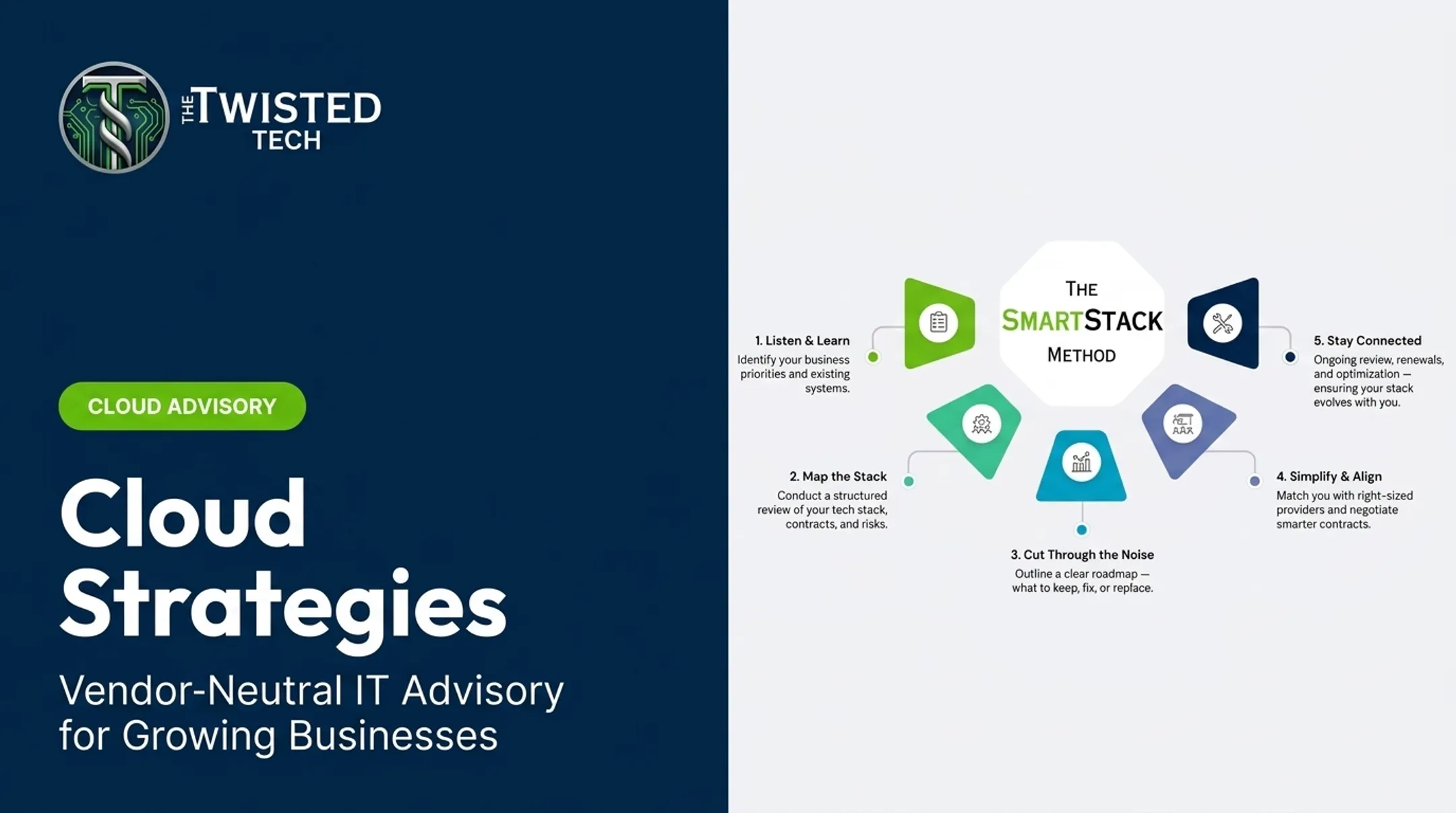
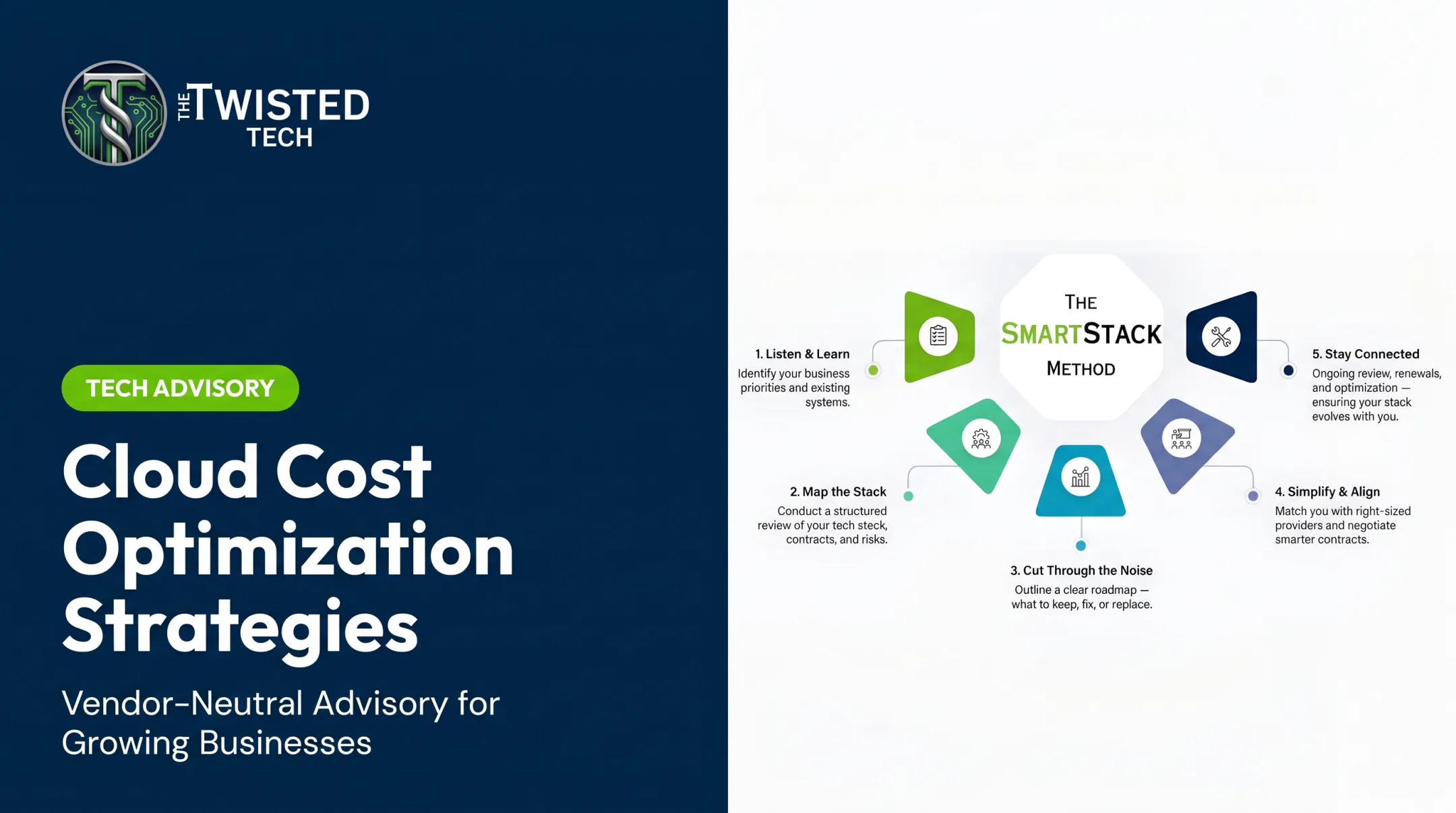
That's the gap The Twisted Tech closes with its Cloud, Infrastructure & Business Continuity Advisory work. The engagement starts with the same assessment steps above: business requirements, current applications, performance needs, and internal resources, before any architecture or provider recommendation.
As an independent, vendor-neutral advisor, The Twisted Tech helps organizations compare providers, negotiate contracts, coordinate implementation, and revisit the plan at renewal time, rather than pushing a single preferred vendor.
Conclusion
The real benefits of a cloud-first strategy come from aligning technology choices with business priorities, not from adopting cloud by default. When governed properly, the approach delivers flexibility, clearer cost visibility, stronger resilience, easier access for distributed teams, and more room to innovate.
Keep the strategy honest with three habits:
- Evaluate cloud options workload by workload
- Document the business case for each decision
- Revisit those decisions as requirements, providers, and the technology landscape shift
Frequently Asked Questions
What is Google's cloud-first approach?
Google's guidance prioritizes cloud services and cloud-native development when organizations adopt the approach. Cloud-first still isn't cloud-only; some workloads continue to run on traditional infrastructure.
What is PaaS with an example?
Platform as a Service is a managed environment for building, deploying, and running applications without managing the underlying servers or operating systems. For example, a team might host a custom appointment-scheduling app on a managed platform, letting the provider handle server maintenance entirely.
What are the 5-4-3 principles of cloud computing?
There's no widely recognized "5-4-3" framework in cloud computing. The NIST model defines five essential characteristics, three service models (SaaS, PaaS, IaaS), and four deployment models: a "5-3-4" structure, not 5-4-3.