Introduction
Your contact center touches nearly every part of the business. Customer experience, operating costs, agent workload, and retention: it all runs through this one function.
Yet many organizations still struggle to get consistent value from it. Systems don't talk to each other. Processes are unclear. Teams end up measuring the wrong things entirely.
This article clarifies what contact center optimization actually means, how it differs from simply buying new software, which performance areas and KPIs matter, and how to build a practical improvement plan.
Real optimization connects customer needs, agent enablement, operational goals, data, workflows, and technology into one coherent strategy. That beats chasing a single metric, the newest AI trend, or a pile of disconnected fixes.
Key Takeaways
- Contact center optimization is an ongoing process, not a one-time project or platform swap
- Four areas matter most: agent performance and enablement, service quality and customer journey management, workforce management, and process, data, and technology alignment
- Track a balanced KPI set, including FCR, AHT, service level, abandonment rate, CSAT, and workforce measures
- Start with a current-state assessment and clear goals before adding platforms, automation, or AI
What Is Contact Center Optimization?
Contact center optimization is the coordinated improvement of people, processes, technology, data, and performance management across every channel customers use to reach you.
Beyond the Phone Line
Traditional call center optimization focused almost entirely on voice. Today's version has to cover far more ground:
- Voice calls and IVR
- Email and live chat
- SMS and social messaging
- Self-service portals and knowledge bases
- Asynchronous channels like in-app messaging
A customer might start a return request in your chatbot, abandon it, and call an hour later. If your systems don't preserve that context, your agent starts from scratch and your customer is already frustrated.
More Than a Single Tactic
Optimization isn't the same as reducing average handle time, adding a chatbot, hiring more agents, or replacing your phone system. Each of those moves can help. Each can also backfire if it isn't tied to a measurable customer or business outcome.
The connection between customer experience and employee experience matters here too. Agents need accessible customer context, reliable knowledge, manageable workflows, useful coaching, and tools that cut unnecessary effort, not more screens to toggle between.
Done well, optimization supports:
- Faster, more complete resolutions
- Fewer transfers and repeat contacts
- Better workforce utilization
- More consistent service across channels
- Improved visibility into what's actually happening
- Operations that scale without breaking
And it never really finishes. Customer expectations shift, contact volumes fluctuate, products change, new channels emerge, staffing turns over, and technology capabilities keep expanding. Treat optimization as a continuous operating rhythm.
The Core Areas of Contact Center Optimization
Agent Performance and Enablement
Training, knowledge management, coaching, quality assurance, agent assist, and access to customer history all shape whether an agent can resolve an issue accurately and confidently, not just quickly.
Measure both efficiency and quality. If agents feel pressured to end interactions fast, they'll rush complex issues that need more time, and repeat contacts will follow.
Watch for common friction points:
- Switching between multiple applications to find one answer
- Searching outdated knowledge articles for current policies
- Repeating authentication steps a customer already completed
- Manually documenting information that should auto-populate
Service Quality and Customer Journey Management
Skills-based routing, intent-based IVR, smart queue design, proactive notifications, and clear escalation paths all reduce transfers, delays, and repeated explanations.
A unified customer record matters just as much. When a customer moves from chat to phone to email, a shared history preserves context instead of forcing them to start over.
This friction is common. In Zendesk's 2024 CX Trends survey, 60% of consumers reported being frequently transferred during phone calls.
Review the journey from the customer's side: pre-contact research, authentication, routing, the interaction itself, follow-up, and post-contact feedback. That view shows where friction starts.
Workforce Management and Sustainable Capacity
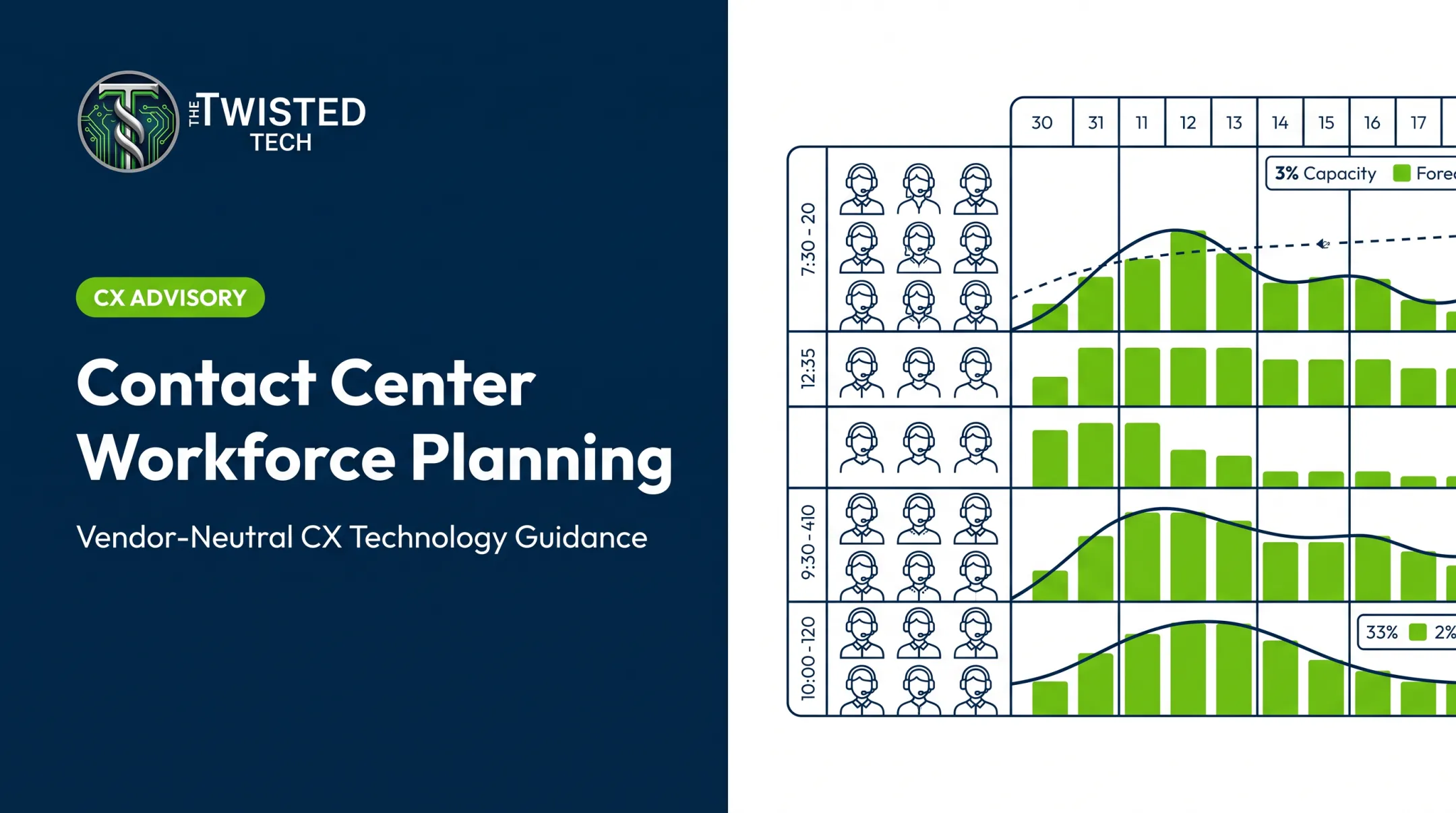
Demand forecasting, scheduling, intraday adjustments, skill coverage, absence planning, and business continuity all fall under workforce optimization.
Get staffing wrong in either direction and you'll feel it. Chronic understaffing means longer waits and rushed interactions. Overstaffing means avoidable costs. Excessive agent occupancy brings burnout and lower quality, even when it looks efficient on paper.
Call Centre Helper's 2025 occupancy guidance suggests a 75-85% voice occupancy range as a flexible planning guide, not a target to maximize. Sustained occupancy above 90% can bring measurable stress and error rates with it.
Process, Data, and Technology Alignment
Disconnected systems, duplicate tools, unclear ownership, and inconsistent data create friction for agents and make performance analysis unreliable for everyone else.
Map your major workflows before changing anything. Document where data gets created, transferred, updated, and used to make decisions.
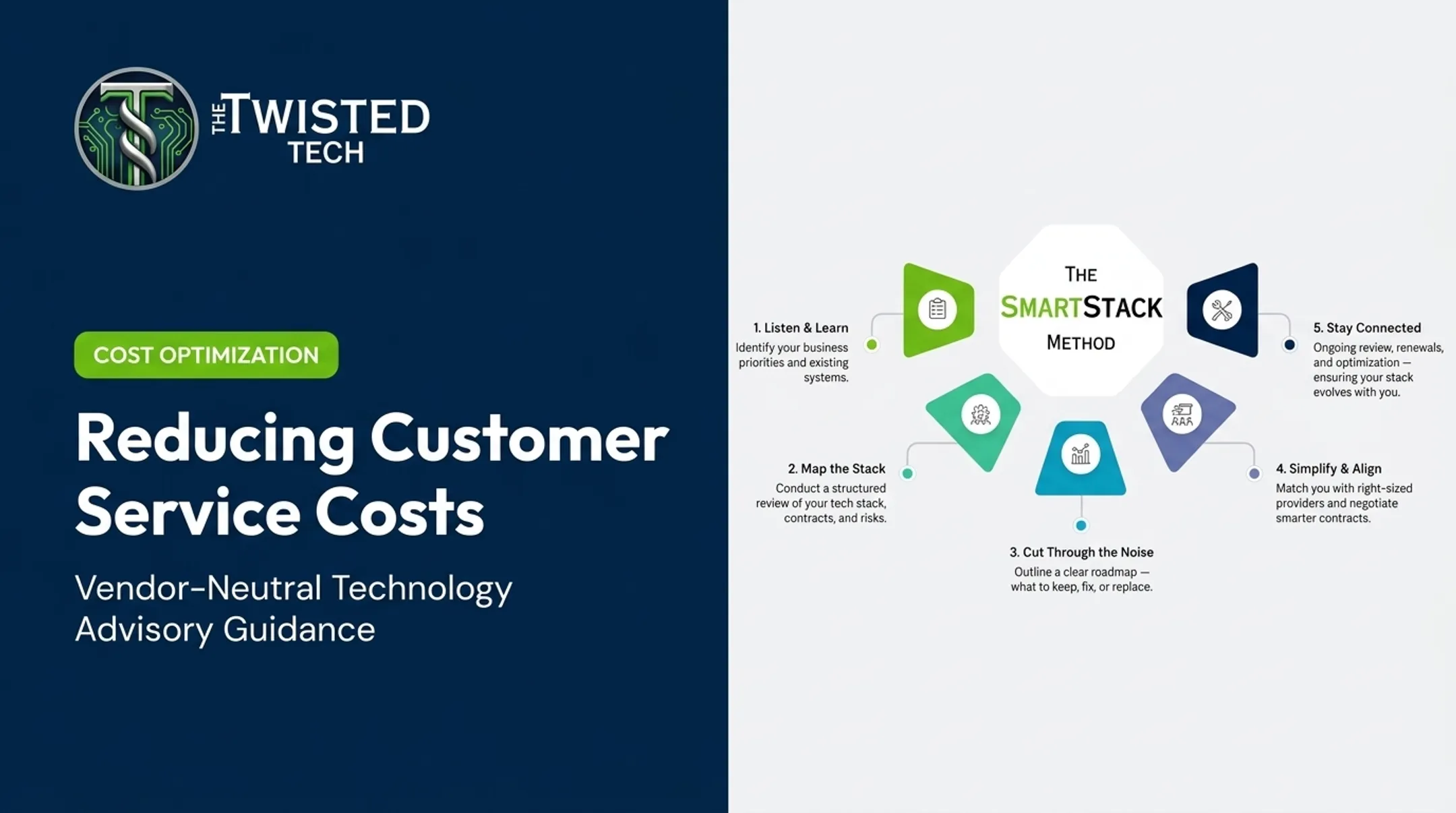
Our team calls this a "Map the Stack" review: examining existing technology, providers, contracts, workflows, integrations, and internal resources to see what's working and where friction lives.
Technology should simplify this environment. Adding another tool without fixing the underlying process or integration problem just adds complexity on top of complexity.

Which KPIs Should You Track?
A single headline metric won't tell you what's really happening. You need a balanced scorecard combining customer, operational, quality, workforce, and financial measures.
Each core KPI answers a different question:
- First Contact Resolution (FCR): Was the issue fully resolved?
- Average Handle Time (AHT): How much effort did the interaction take?
- Service level / response time: Could customers reach someone?
- Abandonment rate: Did customers give up waiting?
- CSAT / NPS: Were customers satisfied with the outcome?
- Occupancy / adherence: Is the workforce healthy and sustainable?
| KPI | Definition | Decision It Informs | Limitation |
|---|---|---|---|
| FCR | Issue resolved on first interaction | Whether repeat contacts are a real problem | Varies by contact reason; hard to compare across industries |
| AHT | Time spent handling an interaction | Where agent effort is going | Shorter isn't always better if quality drops |
| Service Level | % of contacts answered within a target time | Staffing adequacy | Doesn't measure resolution quality |
| Abandonment Rate | % of contacts ending before connection | Queue and wait-time friction | Counting rules vary by platform |
| CSAT | Customer-reported satisfaction | Perceived service quality | Response bias; question wording changes results |
| Occupancy/Adherence | Workforce utilization vs. schedule | Staffing health | Easy to over-optimize into burnout |
SQM Group's analysis of 2024 call-center performance found a 69% average first contact resolution rate across industries, with 70-79% considered strong performance. Treat figures like this as a comparison point, not a universal target.
The trade-off that catches many teams: lowering AHT looks great on a dashboard, yet it backfires when repeat contacts rise or FCR and CSAT fall. Speed without resolution only delays the real cost.
Practical next steps:
- Establish a baseline before changing process, staffing, or tooling
- Segment results by contact reason and channel so averages don't hide problem areas
- Assign clear ownership for each KPI, including who acts on movement
- Review trends over weeks, not single-day spikes, before you change course

How to Build a Contact Center Optimization Plan
Establish Business Objectives and a Baseline
Identify the actual business problems driving this effort: long waits, repeat contacts, inconsistent service, rising costs, poor visibility, agent frustration, or an approaching platform renewal.
Document baseline performance by channel, customer segment, contact reason, and time period. Include customer feedback and agent input alongside system reports. The numbers alone won't tell the full story.
Assess Customer and Agent Journeys
Map the major customer journeys and pinpoint bottlenecks in discovery, authentication, routing, interaction, handoff, resolution, and follow-up.
Then do the same for agents: applications, knowledge sources, scripts, approvals, escalation paths, and after-contact work. Duplicated or unnecessary steps usually hide in this map.
Prioritize Improvements by Impact and Feasibility
Build a prioritized backlog. Separate quick workflow or configuration changes from larger integration, staffing, or platform initiatives.
Evaluate each proposed change against:
- Customer and agent impact
- Cost and implementation effort
- Security and compliance requirements
- Scalability
- Ability to produce measurable results
Implement in Phases and Manage Change
Pilot changes with a defined team, channel, or contact reason before rolling out broadly. Document the hypothesis, baseline, success measures, owner, and review date for each pilot.
Include agents and supervisors in the design, testing, and feedback process. They'll spot adoption risks you won't see from a spreadsheet.
Set governance around data access, AI oversight, escalation to human agents, knowledge-base ownership, and change approval up front.
Measure Results and Create a Continuous-Improvement Rhythm
Set a recurring review cadence covering KPI trends, customer feedback, quality findings, workforce data, and agent observations. Use root-cause analysis to figure out whether a performance problem originates in staffing, routing, training, product design, or technology, not just where it shows up.
Document what worked, update processes and knowledge accordingly, and retire tools or workflows that no longer serve the objective.

Organizations without internal capacity to lead this process often bring in independent support. The Twisted Tech provides vendor-neutral guidance across requirements development, market research, provider comparison, negotiation, implementation coordination, and ongoing optimization. That support comes with no stake in which platform gets selected.
How Technology Supports Contact Center Optimization
Technology should support optimization, not define it. Core capabilities worth evaluating include:
- Omnichannel engagement and intelligent routing
- CRM and business application integration
- Workforce management and scheduling
- Knowledge management and quality management
- Analytics, recording, and reporting
- Workflow automation
Where AI Actually Helps
Practical AI use cases include:
- Agent assistance
- Interaction summaries
- Sentiment analysis
- Self-service for routine requests
- Knowledge retrieval
- Forecasting
- Automated quality review
Each needs clear guardrails and a defined path to human escalation. AI should reduce agent effort, not remove accountability.
A Neutral Evaluation Checklist
Before evaluating any platform, check it against:
- Channel coverage and integrations/APIs
- Data portability and reporting depth
- Configuration flexibility
- Security and compliance requirements
- Usability and implementation support
- Scalability, contract terms, and total cost of ownership
Whether you optimize your existing environment, consolidate tools, or evaluate a replacement platform should come down to your documented business requirements — not vendor claims or a long feature list. More tools and features don't automatically create better outcomes; they just add more to manage.
Common mistakes worth avoiding:
- Buying AI before fixing underlying data and workflow problems
- Optimizing only for speed
- Measuring channels in isolation instead of as one journey
- Overlooking agent adoption during rollout
- Failing to plan for implementation and contract renewals
Frequently Asked Questions
How can I improve my call center performance?
Start with a performance baseline, then address staffing, routing, and agent enablement together. Track first contact resolution and customer feedback alongside handle time, and integrate the technology that supports those workflows. Review results on a recurring cadence rather than reacting to daily swings.
What are the 5 key performance indicators of a call center?
Most centers track first contact resolution, average handle time, service level or response time, customer satisfaction, and abandonment rate. The right mix ultimately depends on your specific business goals and contact reasons.
What is the 80/20 rule in a call center?
It typically refers to answering 80% of calls within 20 seconds. Treat this as a historical convention rather than a fixed rule — service-level targets should reflect your channel mix, customer expectations, staffing, and interaction complexity.
What is the difference between call center optimization and contact center optimization?
Call center optimization focuses primarily on voice interactions. Contact center optimization covers voice and digital channels together, along with cross-channel context, self-service, and the complete customer journey.
When should a business consider contact center optimization?
Warning signs include rising wait times, repeat contacts, disconnected systems, poor customer feedback, agent friction, increasing costs, business growth, or an approaching technology renewal. Any one of these is reason enough to start an assessment.
Does contact center optimization always require new software?
No. Organizations can often improve processes, routing, staffing, knowledge, and reporting before replacing any technology. New software makes sense once you've confirmed your current environment genuinely can't meet defined requirements.