Introduction
Zylo's 2023 SaaS Management Index found that an average of 44% of businesses' SaaS licenses go wasted or underutilized, and 70% of those contracts still get renewed anyway. That's not a cloud infrastructure estimate. It's software sitting unused while invoices keep arriving.
For growing organizations, this shows up as budget overruns, delayed projects, and less money for security or innovation. Teams end up paying for capacity nobody uses while the initiatives that actually move the business forward wait for funding.
Here's the thing: IT isn't inherently overpriced. Costs spiral when organizations lose visibility into what they own, who owns it, and whether it still fits. This article breaks down where those costs originate and what to do about them. It covers the decisions you make, how you manage what you already have, and the environment surrounding it all.
Key Takeaways
- IT cost optimization is ongoing work, not a one-time budget cut
- Visibility into contracts, licenses, and utilization drives the biggest savings
- Lasting savings come from better buying decisions, tighter vendor management, and clearer day-to-day operating practices
- Every savings idea needs a check against security, reliability, and total cost of ownership
How IT Costs Typically Build Up
IT spending isn't one line item: it's dozens. Costs show up separately across departments and cost centers, including:
- Hardware and software subscriptions
- Cloud consumption and connectivity
- Support contracts and managed services
- Personnel and internal IT labor
Then there's the cost you don't see on an invoice:
- Downtime from unreliable systems
- Manual workarounds for tools that don't integrate
- Ongoing maintenance for custom integrations
- Migration effort when platforms change
- Technical debt accumulating in the background
McKinsey found that addressing technical debt adds 10% to 20% to project costs, and 30% of surveyed CIOs said more than a fifth of their budget meant for new products gets diverted to technical debt instead.
Why It's Gradual, Then Suddenly Obvious
This buildup rarely happens all at once. A department adds a tool for one project. A vendor renews automatically because nobody flagged the contract. A departing employee's license stays assigned for months. A legacy platform keeps running "just in case," right beside the system that replaced it. Individually, none of these decisions look expensive. Together, they create sprawl that stays nearly invisible until something forces a closer look—a merger, security incident, painful renewal, or sudden outage. That's usually when leadership finds spending they didn't know existed.
Key Cost Drivers for IT
Not every organization has the same cost problem. The drivers depend on environment size, user count, locations, regulatory requirements, data volume, growth rate, and how much internal expertise exists to manage it all.
Technology Portfolio Sprawl
Application sprawl scales with company size. Zylo's 2025 index found organizations with 1-500 employees average 152 SaaS apps, while enterprises with 10,000+ employees average 660.

Portfolio bloat isn't just an enterprise problem. It just looks different at every size.
Common portfolio drivers include:
- Duplicate applications solving the same problem for different teams
- Legacy platforms running alongside their replacements
- Licenses assigned to former employees or unused seats
- Underutilized infrastructure sized for peak demand that rarely occurs
- Unnecessary customization that complicates every future upgrade
Commercial and Contract Terms
The subscription price on a proposal rarely tells the full story. Auto-renewal clauses, minimum commitments, implementation fees, support tier upgrades, and connectivity surcharges all shape the real cost. Organizations that negotiate from a weak position, close to a deadline and without benchmarks, tend to accept terms they'd otherwise question.
Governance Gaps
This is often the root cause behind the other two. Flexera's 2025 survey found only 43% of IT professionals report complete visibility into their IT assets, down from 47% the year before.
Separately, Zylo reported that business units now account for 70% of SaaS spend versus 26.1% for IT. That shift makes centralized tracking harder, even if it doesn't prove decentralized buying causes waste on its own.
Weak asset records, reactive procurement, and no recurring optimization review all compound the problem. The most important driver differs by organization. Finding it requires evidence, not assumptions.
IT Cost-Reduction Strategies
Cost reduction should start with a baseline: current spend, business requirements, actual utilization, contract obligations, and service outcomes. Without that baseline, you're guessing. The right strategy depends on how technology gets selected, used, scaled, and governed in your specific environment.
Strategies That Reduce Costs by Changing Decisions
Require documented requirements before selecting or renewing anything. A common mistake is accepting a provider's default package instead of specifying what's actually needed. A mid-sized organization renewing a communications platform, for example, might get pitched an enterprise-tier plan when its actual usage (call volume, feature needs, integration requirements) fits a smaller, cheaper option.
Compare options on total cost of ownership, not sticker price. A practical TCO checklist should include:
- Licensing and subscription fees
- Implementation and setup costs
- Integration and administration effort
- Training time and support tiers
- Migration and exit costs
- Downtime risk during transition
Consolidate overlapping tools when it improves value and accountability, but don't consolidate blindly. Sometimes multiple providers exist deliberately, for resilience or specialized capability. Consolidation should improve outcomes, not just simplify a spreadsheet.
Treat every renewal as a decision point, not a formality. Start early. Reassess whether the current solution still fits. Benchmark alternatives. Validate actual usage data before recommitting.
This is where independent, vendor-neutral guidance earns its keep. The Twisted Tech works through exactly this process with clients: requirements development, provider evaluation, proposal comparison, negotiation, and renewal planning, without a stake in which provider gets chosen.
In one case, a multi-location organization with more than 250 remote sales employees used this kind of review to uncover roughly $8,000 per month in unnecessary Microsoft licensing costs that had accumulated over time.

Strategies That Reduce Costs by Changing How IT Is Managed
Build a reliable inventory first. Applications, licenses, devices, infrastructure, providers, contracts, renewal dates, owners, users, and dependencies all need a single source of truth. Without it, savings decisions rest on incomplete information, which leads to costly mistakes.
Review utilization and entitlement on a schedule, not just during a crisis. Look for:
- Inactive user accounts still holding licenses
- Unused or duplicate subscriptions across teams
- Idle cloud resources running with no active workload
- Support plans that no longer match how the team operates
Validate this data with business owners before removing anything. A license that looks unused might belong to someone on leave.
Assign clear ownership and build a recurring review cadence. Finance, IT, procurement, security, and business stakeholders each bring a different lens. Track metrics that matter: spend against budget, utilization rates, renewal exposure, realized savings, and service performance.
Automate the repeatable stuff carefully. Onboarding and offboarding workflows, license reclamation, approval routing, cloud resource schedules, and renewal alerts are good automation candidates. Before automating anything with real impact, build in approval rules, security safeguards, a rollback option, and a post-change verification step.
Strategies That Reduce Costs by Changing the Context Around IT
Sometimes the biggest costs come from the complexity surrounding the tools. Simplifying integrations, retiring obsolete systems, and clarifying ownership often saves more than negotiating a single contract ever could.
Align capacity and service levels with actual demand. Growth forecasts, work patterns, location needs, and resilience requirements should all inform sizing decisions. Cutting capacity without checking reliability and recovery needs first is how organizations trade small savings for big outages.
Improve the commercial and operational context around technology decisions:
- Set clear contract standards across the organization
- Coordinate purchasing instead of letting each department buy independently
- Apply consistent security requirements to every new tool
- Bring affected teams in early, before contracts get signed
These practices reduce emergency, last-minute buying — which is almost always more expensive than planned procurement.
Revisit the environment after every major change. Expansion, consolidation, acquisitions, hybrid work shifts, AI adoption, platform migrations, provider renewals — each one changes the cost equation. Document the expected benefit of each change beforehand, then check whether it actually delivered financially and operationally.
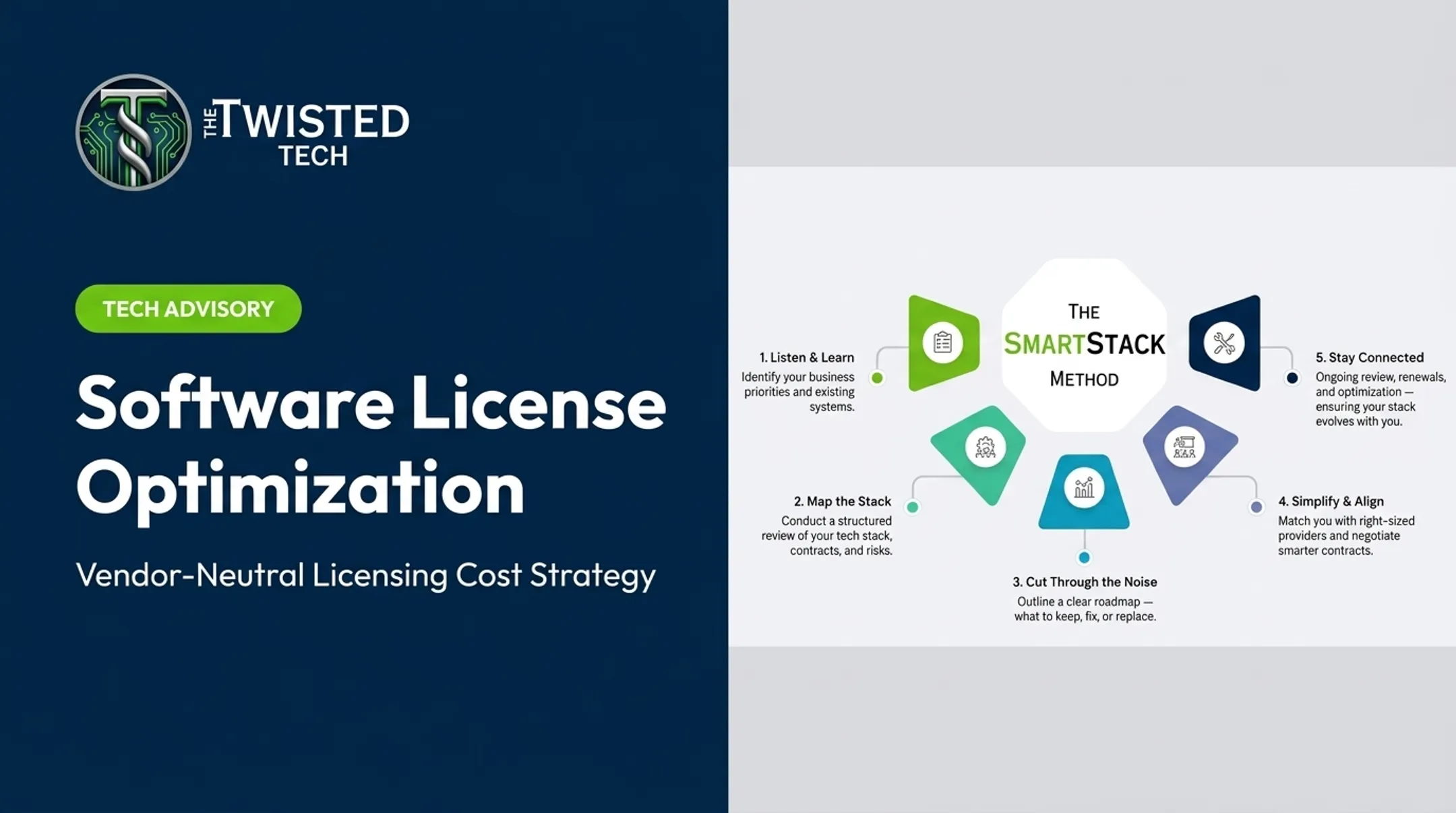
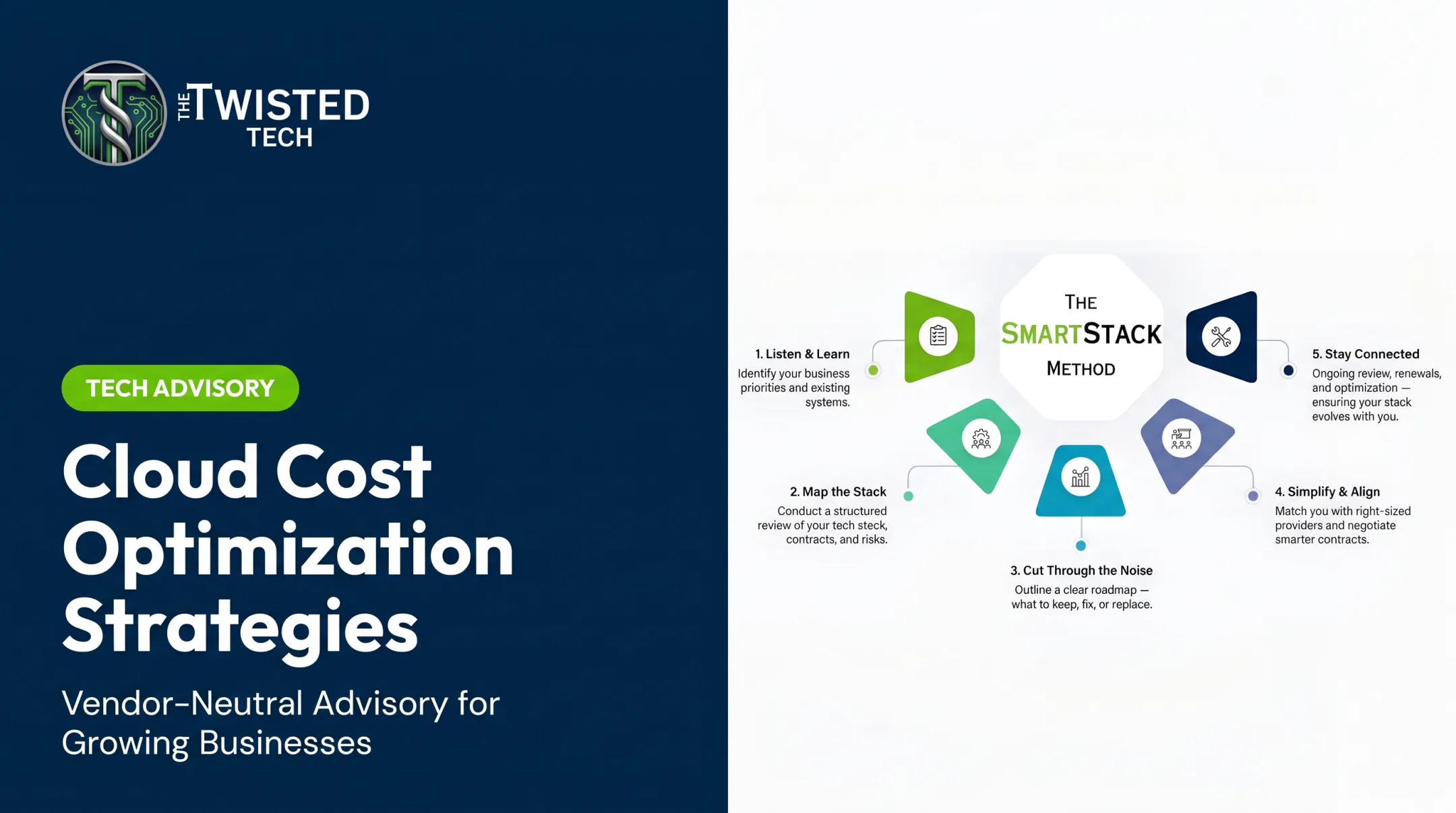
The Twisted Tech's SmartStack approach follows this logic directly: Listen & Learn, Map the Stack, Cut Through the Noise, Simplify & Align, and Stay Connected. The last stage supports ongoing optimization after the initial project ends, not just at the point of purchase.

Conclusion
IT cost optimization starts with identifying where cost actually originates: technology choices, utilization gaps, contract terms, operational processes, provider relationships, or surrounding complexity. Uniform, across-the-board cuts rarely solve the underlying problem; they just delay it.
Effective optimization is strategic and continuous, and it has to fit your environment. If your organization has limited internal capacity or a tangled provider environment, an independent, vendor-neutral review from The Twisted Tech before a major purchase, renewal, consolidation, or replacement can prevent an expensive mistake and surface savings that internal teams often miss.
Frequently Asked Questions
Is AWS cost optimization free?
Partly. AWS Cost Explorer and basic Compute Optimizer recommendations are free, but enhanced metrics, full Trusted Advisor access, and implementation work usually cost extra. Verify current AWS pricing before assuming any tool is free.
What are some effective strategies for reducing costs?
Build visibility into what you own and use, cut unused technology, right-size licenses and capacity, review contracts before renewal, and consolidate only when value improves. Track savings without weakening security or service quality.
What are the pillars of cost optimization in the cloud?
AWS's Well-Architected Framework identifies five practice areas: cloud financial management, expenditure and usage awareness, cost-effective resources, managing supply and demand, and optimizing over time. Cloud optimization is one piece of broader IT cost optimization, not the whole picture.
What does cost optimization mean?
Gartner defines it as a continuous, business-focused discipline that maximizes value while reducing costs — distinct from a one-time budget cut. It means reducing waste while protecting performance, security, resilience, compliance, and customer outcomes.